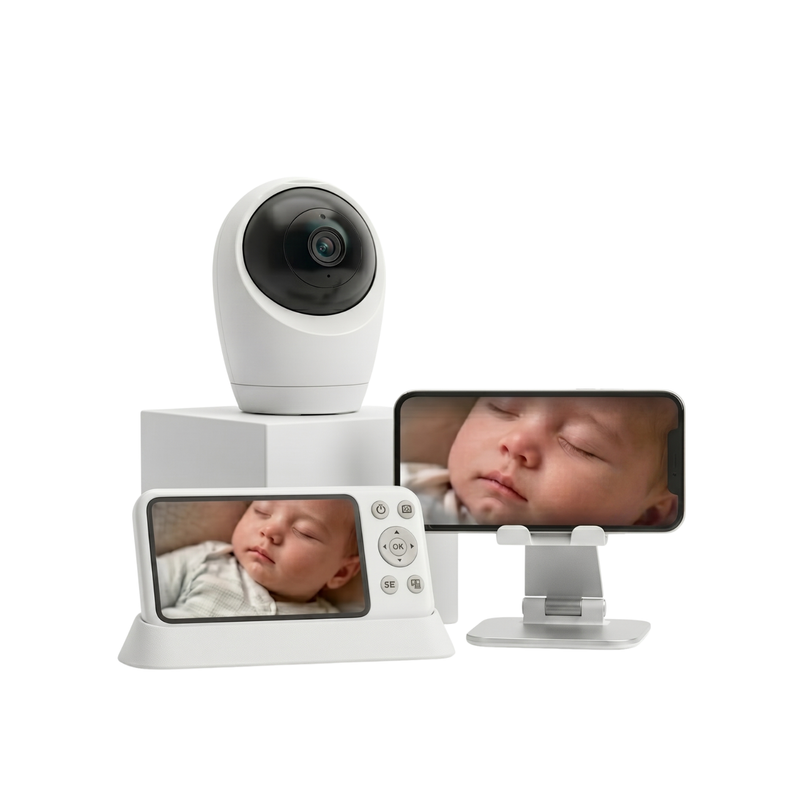
Charge the camera and monitor
Place the camera and parent monitor on the charging base before first use. Make sure both units have enough power, especially if you plan to move the camera during the day or use the monitor for long periods.


Core System:
Build & Form:
Key Functions:
View & Coverage:
Audio & Alerts:
Night Use:
Connection Options:
Remote Access:
Privacy & Standards:
Battery & Charging:
Charging Setup:
In the Box:
It's time for real steps to know how you can use
Place the camera and parent monitor on the charging base before first use. Make sure both units have enough power, especially if you plan to move the camera during the day or use the monitor for long periods.
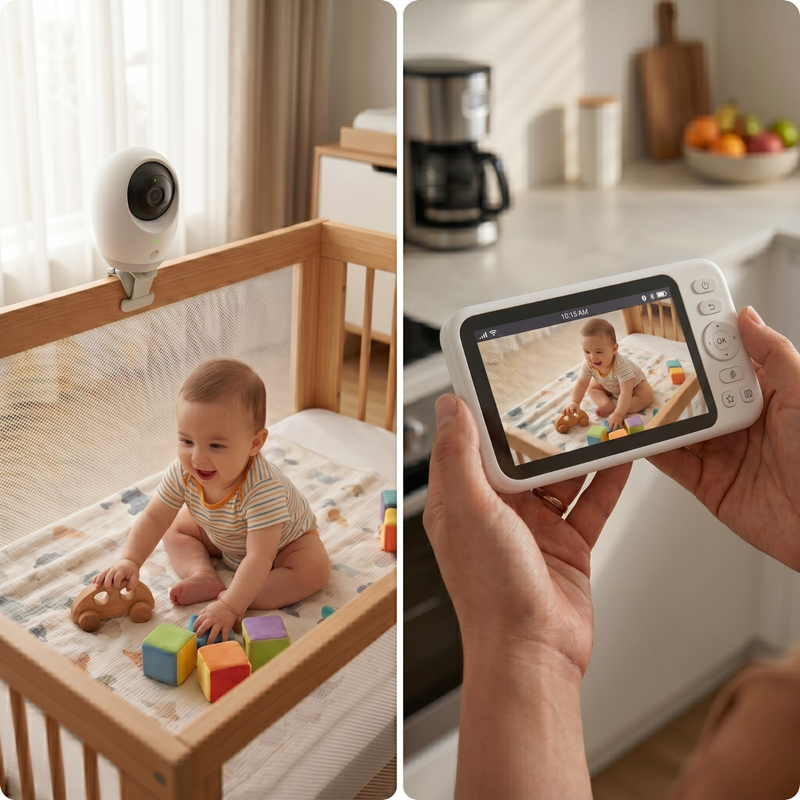
Place or mount the camera where it has a clear view of your baby’s sleep area. Keep it far enough away to see the full space, then use the pan, tilt, and zoom controls to adjust the view clearly.
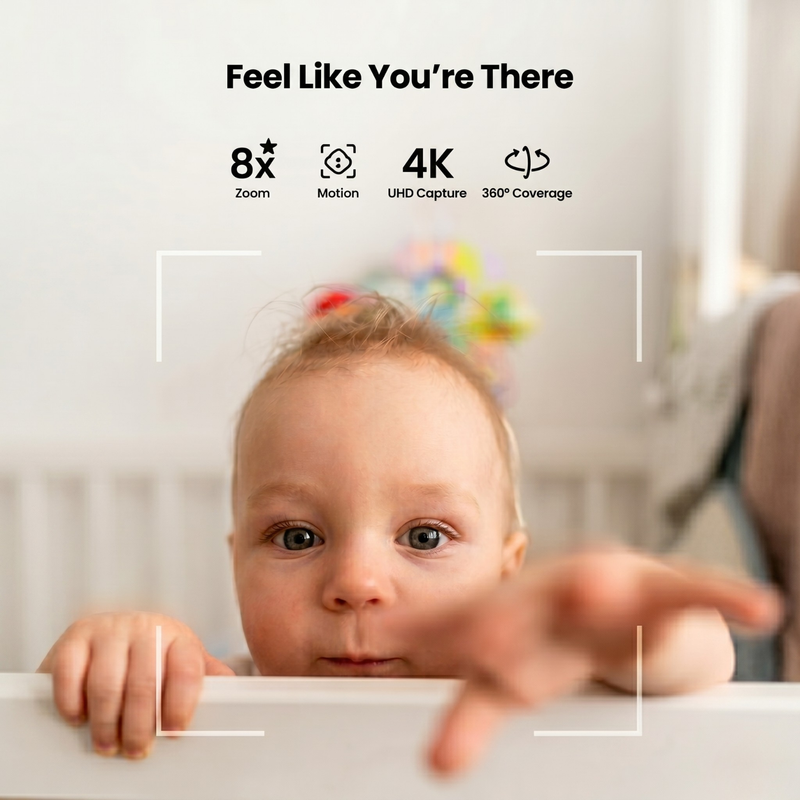
Use the parent monitor for a local in-home connection, or turn on Wi-Fi if you want remote app access. Pick the mode that fits your routine, then confirm the live video and audio feed are working properly.

Keep the parent monitor nearby during naps, bedtime, or playtime. Use the live view, night vision, smart alerts, and two-way audio to check in, listen for changes, and speak through the monitor when needed.
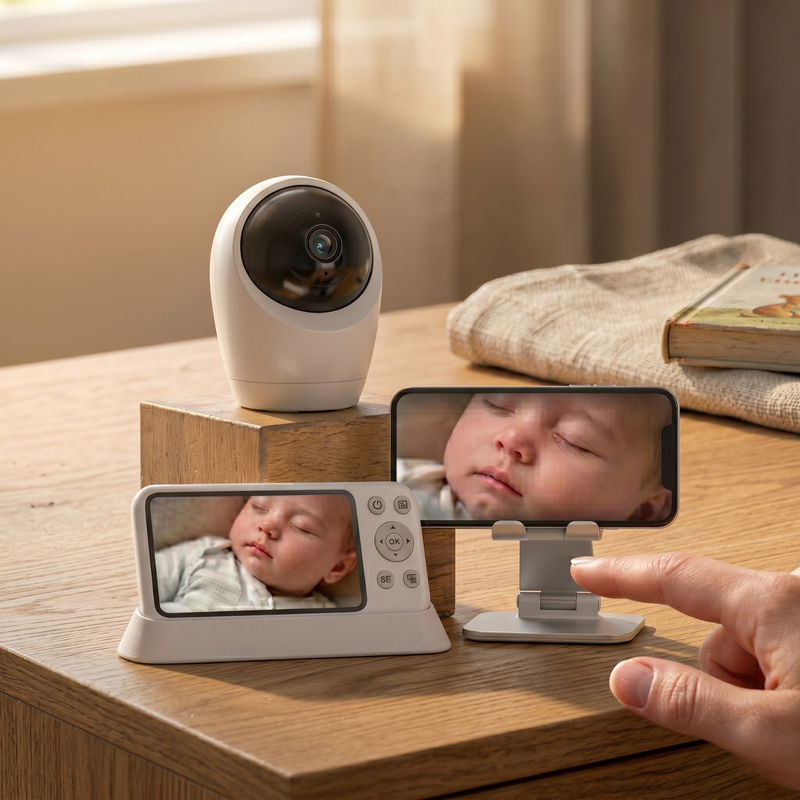
After use, place the units back on the charging base so they stay ready for the next sleep or room change. If needed, move the camera to another area during the day and reset the viewing angle again.
Privacy-first features and flexible monitoring built for everyday family use.
| Features | Our Brand | Other Brands Other |
|---|---|---|
| Physical Wi-Fi switch for private local-only monitoring | ||
| 4K camera with 8x zoom | ||
| Built-in 5000mAh battery | ||
| 24/7 recording | ||
| Split-screen expansion for monitoring two rooms |


Everything you need to know

Your cart is empty
Looks like you haven't added anything yet.


